

Placements and layouts
Which templates a widget can draw on, and the four shapes it can take.
Every widget has one placement and one layout. The placement decides which page it can draw on; the layout decides what it looks like and what a shopper can do with it. Both are set in the Placement section of the widget editor.
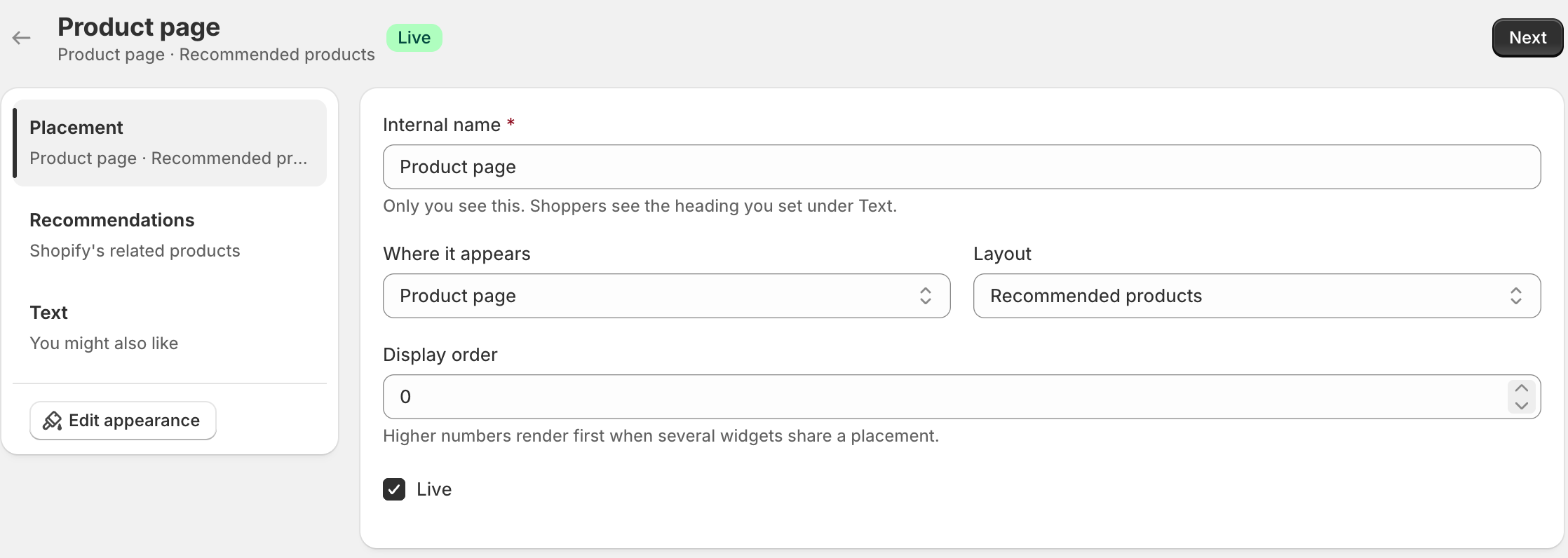
Placements
Set under Where it appears. The block only ever draws a widget whose placement matches the page the block is sitting on.
| Placement | Where it draws |
|---|---|
| Product page | Your product template. The most common by far. |
| Collection page | A collection template. |
| Cart | The cart page. A Pro placement; see Free and Pro. |
| Home page | Your home page. |
| Search results | The search results page. |
Layouts
| Layout | What it is |
|---|---|
| Recommended products | A row of related items shoppers can browse. Available on every placement. |
| Buy together | A bundle with a checkbox per item, a running total, and one button that adds the set. Pro. |
| Add-ons | A compact strip of complementary items, for accessories and consumables. |
| Inline offer | Cart only. One matching product drawn inside each cart line, beside the item it goes with, with its own add button. |
| Recently viewed | What this shopper looked at earlier, kept in their own browser and refreshed against your store each time it is drawn, so a product sold out since is shown as sold out. |
Styles
A layout is what a widget is; a style is how it is drawn. On the Appearance screen most layouts can take any of five: sliding row, grid, stacked list, compact rows or single column. Buy together has three of its own instead, because a bundle is not a grid of cards. See Appearance and text.
Which pages it shows on
Show the widget on, in the Recommendations section, narrows a widget to some of the pages its placement covers. What it can ask depends on what the page has to offer.
| Placement | Choices |
|---|---|
| Product page | Every product, only chosen products, products in chosen collections, or products with chosen tags. |
| Collection page | Every collection, or only chosen collections. |
| Cart | Every cart, or carts holding chosen products, products from chosen collections, or products with chosen tags. |
| Inline offer (cart) | Every item in the cart, or only beside chosen products, products from chosen collections, or products with chosen tags. |
| Home page and search results | Every visit. There is nothing on these pages to narrow by, so the setting is not shown. |
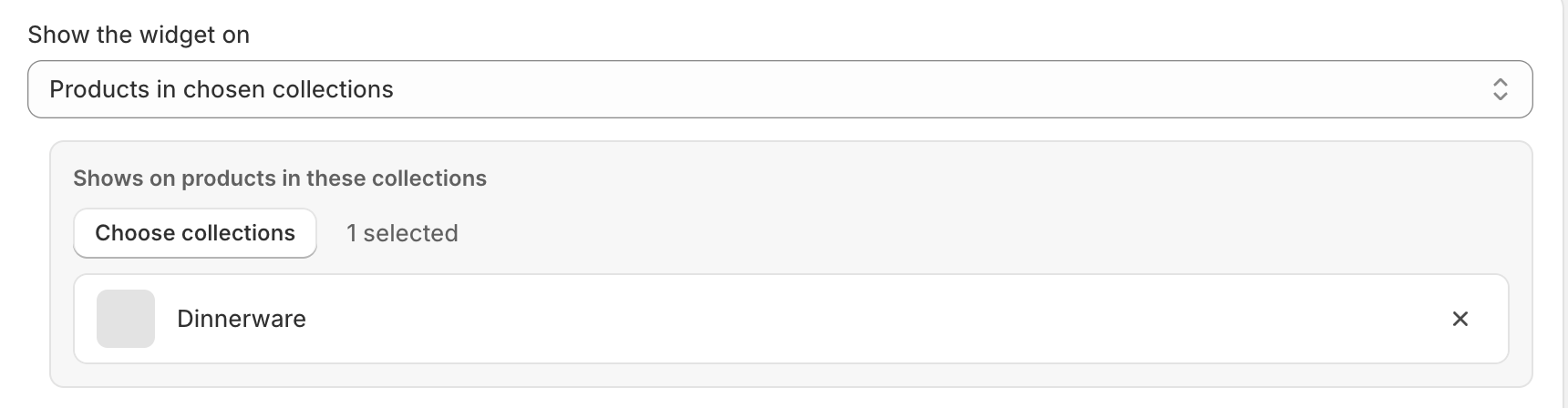
A product widget and a cart widget can use the same collection or tag list, and they read it differently: on a product page it asks about the product being viewed, on the cart it asks about anything in the cart.
How many products
How many products on the Appearance screen sets the widget’s own maximum, and the block’s Most products to show can lower it for one placement. So a widget set to eight, placed with a block set to four, shows four. This lets the same widget be generous on a wide product page and restrained in a narrow column, without a second widget.
Something here wrong or missing? Tell us. We would rather fix the page than answer the same question twice.